
GTA 6 Changed Sprint — Fix Your Controls NOW
On-foot Default and Classic bindings come from IGN's official control-scheme guide (PlayStation tables) and from in-game Control Scheme previews. The Xbox Default preview we checked shows run on LS click and jump/climb on A; IGN's Xbox Default table lists run as Hold B, which conflicts, so this page follows the in-game preview. IGN does not publish a Classic on-foot Xbox table; Xbox Classic face buttons here follow the same positions as PlayStation Classic. We have not captured this in our own pause menu. Player reports of jumping instead of sprinting come from launch-day coverage, including X News. Checked November 20, 2026.
Quick answer
On Default, run is left-stick click (L3 / LS) and jump/climb is Cross / A, so the old GTA 5 sprint button makes you jump. Open Settings, switch the Control Scheme from Default to Classic. Classic puts run on Cross / A, jump/climb on Square / X, and crouch on L3.
On this page 4
Screenshots from our own playthrough get added here as we play.
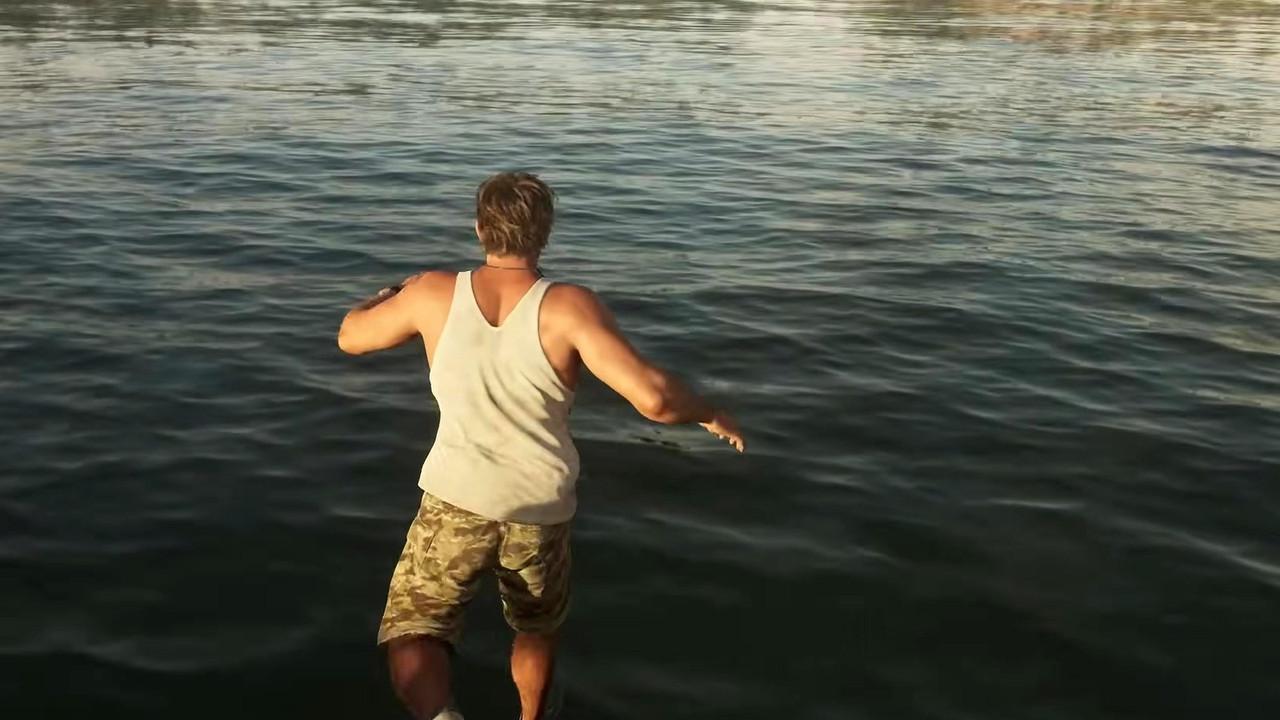
If you keep jumping off a roof or a dock when you try to run in GTA 6, it isn't you. Sprint moved. Players have been reporting this since launch day, and the cause is the Default control scheme. The matching Short, GTA 6 Changed Sprint — Fix Your Controls NOW, is embedded at the top of this page.
What changed
On Default, the on-foot controls are:
- Run: click the left stick (L3 / LS)
- Jump / climb: Cross (PS5) / A (Xbox)
- Crouch: Circle / B (hold for Rest)
So if your thumb goes to Cross or A to sprint the way it did in GTA 5, you jump instead.
The fix: switch to Classic
- Press Options (PS5) or Menu (Xbox).
- Open Settings. You should land on the Control Scheme tab. If not, tab over with L1 / LB or R1 / RB.
- Change Default to Classic. The preview on the right shows On Foot, Aiming, vehicles and more.
- Close the menu. It saves automatically. To undo it, switch back to Default or use Restore Default (Square / X).
On Classic, on foot:
| Action | PS5 | Xbox* |
|---|---|---|
| Run | Cross | A |
| Jump / climb | Square | X |
| Melee | Circle | B |
| Crouch | Left stick click (L3) | Left stick click |
*Xbox Classic buttons follow the same face-button positions as the PS5 layout. IGN's guide does not include a Classic on-foot Xbox table.
There's also a Left-Handed scheme. IGN says none of the three gives you an advantage. Pick whatever your hands expect and go play. Sprint is only the first setting worth changing. Auto-run, the fishing reel fix, and 47 more are in 50 GTA 6 Features I Found in 5 Days.
Some gameplay on this page is CC BY footage from How to Everything.
Join the RP server waitlist: gta6cheatshq.com/waitlist.
Unofficial fan site, not affiliated with Rockstar Games or Take-Two Interactive.
FAQ
- Why do I keep jumping instead of sprinting in GTA 6?
- The Default scheme moved run to a left-stick click (L3 / LS). Jump/climb is Cross on PlayStation and A on Xbox — the button a lot of players still press to sprint from GTA 5. Switch the Control Scheme to Classic to put run back on Cross / A.
- How do you change the GTA 6 control scheme?
- Press Options on PS5 or Menu on Xbox, open Settings, and stay on the Control Scheme tab (or tab over with L1 / LB or R1 / RB). Change Default to Classic. Close the menu and it saves automatically. To undo it, switch back to Default or use Restore Default (Square / X).
- What are the Classic on-foot controls in GTA 6?
- On Classic, run is Cross / A, jump/climb is Square / X, melee is Circle / B, and crouch is left-stick click (L3 / LS). IGN does not publish a Classic on-foot Xbox table, so the Xbox face buttons here follow the same positions as the PlayStation Classic layout.
Related guides
Sources
GTA 6 Cheats HQ Discord
Join the Crew
Day-one help, cheat codes, mission questions, and spoiler-tagged channels so nobody ruins the story for you. Find something in-game? Post it there and we will test it before it goes on the site.